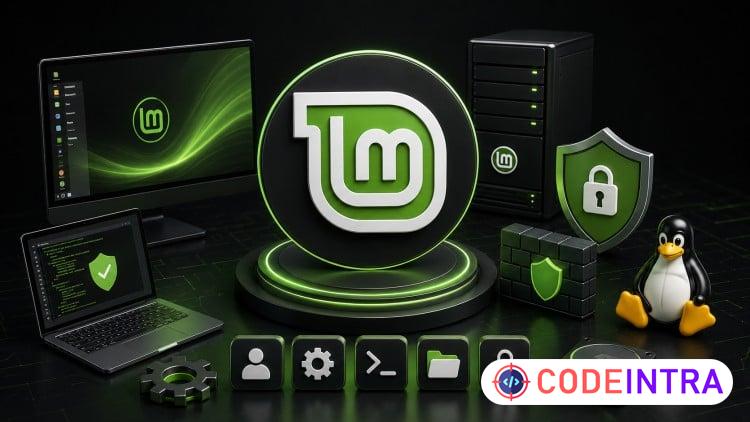
Master Linux Mint: Security, Admin & Total System Control
Linux Mint admin guide—CLI mastery, firewalls, permissions, storage, and backup skills from zero to advanced level.

Make Someone's Day
Share this incredible course!
Linux is the backbone of modern IT. Servers, cloud infrastructure, cybersecurity tools—it all runs on Linux. And if you're serious about building a career in system administration, IT, or cybersecurity, knowing how to actually manage a Linux system isn't a nice-to-have. It's a baseline expectation.
This Linux Mint system administration course gives you that baseline—and builds well past it.
We start at the very beginning: the history of Unix and Linux, how Linux Mint fits into the broader ecosystem (with Fedora and Red Hat concepts woven in), hardware requirements, and a full installation walkthrough. You'll understand exactly what you're working with before we ever open a terminal. Context matters—especially when you're learning Linux Mint system administration from scratch.
Then we go deep on the command line. Because that's where Linux Mint system administration actually happens. Most beginners avoid the terminal because it looks scary. By the end of this section, it's going to be your most comfortable tool. We cover file navigation, directory management, essential commands, and Nano text editor—step by step, command by command, until it's second nature.
From there: user management, package installation, system updates, and resource monitoring. Then the security layer—file and directory permissions, sudo access, password policies, and Iptables firewall configuration. Real Linux Mint system administration security setup that translates directly to production environments.
Storage gets full coverage: partition management, RAID, logical volumes, and mounting at boot. Backup and disaster recovery too—snapshot creation, data restoration, and the tools that actually protect you when something inevitably breaks.
By the end of this Linux Mint system administration course, you'll install, configure, secure, and manage Linux systems completely independently. That's the goal. That's what we build.
Learning Objectives
🔹Install and configure Linux Mint from scratch including partitions, RAID, and desktop environment🔹Master the Linux terminal—navigate, manage files, and execute essential admin commands fluently
🔹Create and manage users, install packages, and monitor resource usage efficiently
🔹Configure Iptables firewall rules, sudo access, file permissions, and password security settings
🔹Manage storage: partitions, RAID, logical volumes, and automatic volume mounting at boot
🔹Create system snapshots and restore backups to protect against data loss and system failures
🔹Monitor system processes, create command aliases, and handle unresponsive programs confidently
🔹Build Linux Mint system administration skills directly applicable to real IT and security careers
Prerequisites
🔹A computer with an internet connection—Windows, Mac, or an existing Linux machine works fine🔹No prior Linux experience required whatsoever—we start from the absolute basics, nothing assumed
🔹Willingness to practice in the terminal (we make it approachable from the very first command)
Who This Course Is For
🔹Complete beginners who want to learn Linux from scratch with zero prior experience🔹Aspiring system administrators and IT professionals building foundational Linux Mint admin skills
🔹Cybersecurity and ethical hacking students who need a solid, practical Linux environment foundation
🔹Windows or Mac users who want to understand, switch to, or confidently work alongside Linux Mint
Course Details

| Price | FREE |
| Views | 3 |
| Lectures | 62 |
| Duration | 7.5 hours |
| Last Update | 18-Jul-2026 |
| Release Date | 08-Apr-2026 |
| Category | IT & Software |
|
30
|
|

This course includes:
📹 Video lectures
📄 Downloadable resources
📱 Mobile & desktop access
🎓 Certificate of completion
♾️ Lifetime access