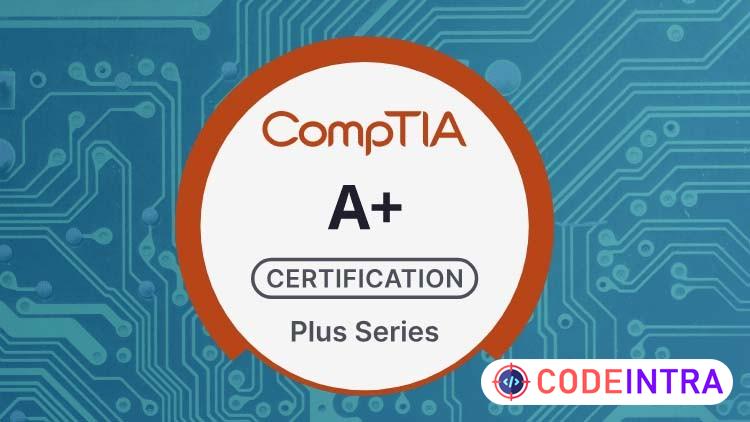
CompTIA A+ (220-1101 & 220-1102) Practice Tests 2026
Ace Your CompTIA A+ 220-1101 & 220-1102 Exams Fast and Easy

Make Someone's Day
Share this incredible course!
Unlock the full potential of your IT skills and gain the confidence to tackle real-world computer challenges with this immersive training experience. This course is meticulously designed for anyone eager to master the essentials of modern hardware, operating systems, and network technology. You will dive deep into understanding motherboards, processors, memory, storage devices, and peripheral configurations, learning how to troubleshoot and maintain systems with precision.
Explore the intricacies of networking, from basic concepts to wireless and SOHO networks, including TCP/IP protocols and virtualized environments. Gain hands-on familiarity with laptops, mobile devices, printers, and other peripherals while mastering the installation, configuration, and troubleshooting techniques required in everyday IT environments.
Beyond hardware, the course emphasizes operating systems, covering Windows, macOS, and Linux in depth. Learn to optimize system performance, configure security settings, manage user accounts, and navigate advanced tools and utilities to solve complex issues efficiently. Security topics are integrated throughout, including malware mitigation, access controls, and safe computing practices to ensure you are prepared for modern threats.
This experience also introduces professional best practices, from documentation and change management to safety and environmental awareness. You’ll understand not just how to fix devices, but how to do so responsibly and professionally, building skills that employers value.
Designed for both beginners and IT professionals looking to strengthen their foundation, this course blends theory with actionable knowledge. By the end, you will have a comprehensive understanding of computer systems, networks, and troubleshooting processes, ready to apply these skills in any IT setting.
Step into the world of IT with confidence, enhance your problem-solving abilities, and equip yourself with the knowledge to excel in hands-on technical environments. Your journey to becoming a highly capable IT professional starts here.
Learning Objectives
🔹Master PC hardware and mobile device components, including installation, maintenance, and troubleshooting.🔹Configure and troubleshoot Windows, macOS, and Linux operating systems.
🔹Understand networking fundamentals and wireless technologies including Wi-Fi 6 and network protocols.
🔹Implement security measures for operating systems and devices.
🔹Perform printer setup, consumables replacement, and troubleshooting.
Prerequisites
🔹Basic familiarity with computers and operating systems is helpful but not mandatory.🔹Access to a computer to perform practical exercises and lab simulations.
Who This Course Is For
🔹Aspiring IT support technicians and help desk professionals.🔹Individuals preparing for the CompTIA A+ certification exams.
🔹Anyone wanting a structured, hands-on approach to foundational IT knowledge.
🔹Students or professionals seeking practical skills in hardware, software, networking, and security.
Course Details

| Price | FREE |
| Views | 1 |
| Lectures | 0 |
| Duration | 900 questions |
| Last Update | 03-Jun-2026 |
| Release Date | 20-Apr-2026 |
| Category | IT & Software |
|
30
|
|

This course includes:
📹 Video lectures
📄 Downloadable resources
📱 Mobile & desktop access
🎓 Certificate of completion
♾️ Lifetime access